
What Is a NFC on My Phone
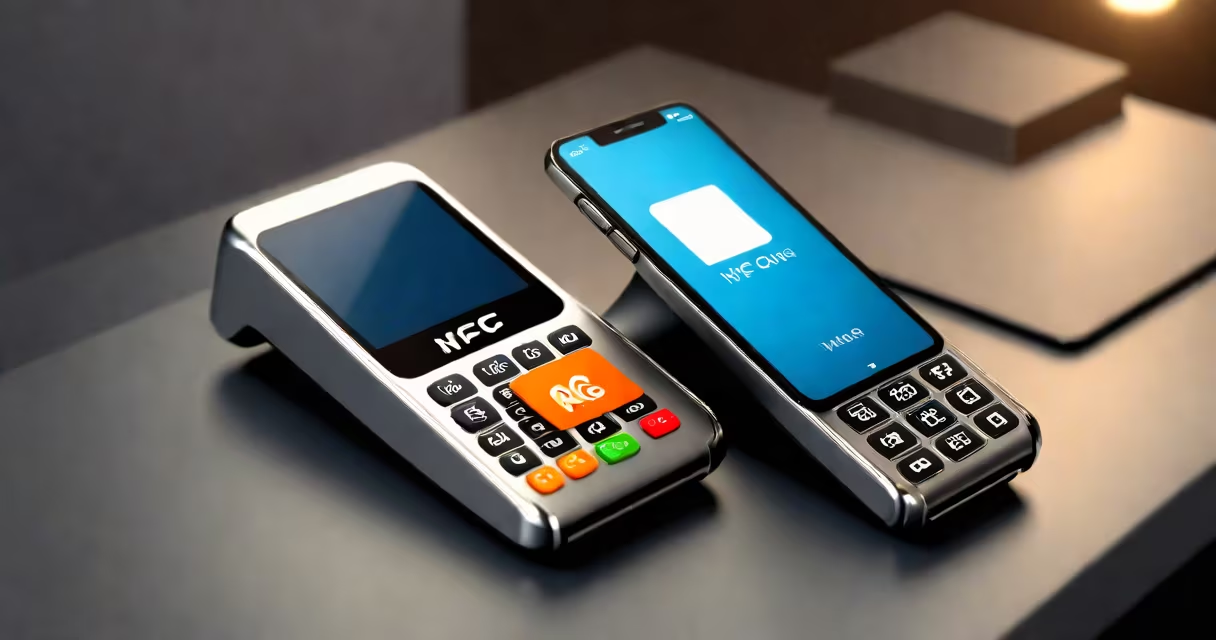
NFC, or Near Field Communication, is a short-range wireless technology that allows your phone to exchange data with other devices when they're within 4 centimeters (about 1.5 inches) of each other. It powers contactless payments, quick pairing with headphones or smartwatches, and reading digital tags.
NFC operates at 13.56 MHz and transfers data at speeds up to 424 kbps. Unlike Bluetooth, which requires manual pairing, NFC connects instantly when devices touch. It runs on low power and doesn't require a battery in passive devices like posters or key fobs.
Most smartphones manufactured since 2011 support NFC. Apple introduced it in the iPhone 6 (2014), and Android devices have included it since version 4.4 (KitKat). The feature is disabled by default on many phones due to privacy concerns, but it can be enabled in settings.
How NFC Works
NFC uses electromagnetic induction between two loop antennas. When your phone touches a compatible terminal or tag, both devices generate magnetic fields that allow them to communicate. This happens without needing Wi-Fi, cellular data, or a password.
There are three modes: reader/writer, peer-to-peer, and card emulation. Reader/writer lets your phone read data from passive tags-like scanning a QR code equivalent. Peer-to-peer allows two phones to share files or contacts by touching. Card emulation lets your phone act like a credit card, debit card, or transit pass.
For example, when you tap your phone on a payment terminal, the terminal sends a request. Your phone responds using encrypted tokenized data from your digital wallet. The transaction completes in under a second. The process is secure because the phone only transmits a unique, temporary identifier-not your actual card number.
Types of NFC Functions
Not all NFC uses are the same. Here's how the functions differ:
| Function | Use Case | Example |
|---|---|---|
| Card Emulation | Payments, transit passes | Tapping your phone to pay $8.50 at a grocery store |
| Peer-to-Peer | Sharing files, contacts | Two phones touching to send a photo |
| Reader/Writer | Reading smart tags | Scanning a poster to open a website |
Card emulation is the most common use. Google Pay, Apple Pay, and Samsung Pay rely on NFC to process transactions. These services don't store your real card number-they use a changing token generated for each purchase.
A lesser-known but useful function is reading NFC tags. These small chips can be embedded in posters, business cards, or even fridge magnets. Tap your phone to one, and it can open a URL, play music, or trigger a smart home action. For example, placing an NFC tag on your car dashboard can automatically start navigation when you touch it.
Where and Why NFC Is Used
NFC is standard in modern smartphones, tablets, and wearables. It's used in retail for contactless payments, public transit systems for tapping in, and smart homes for automating tasks.
According to the National Retail Federation, 78% of U.S. retailers accept contactless payments via NFC as of 2023. Major chains like Walmart, Target, and Starbucks support it. The average transaction time is 1.2 seconds-faster than swiping a card.
Public transportation systems in cities like London, Tokyo, and New York use NFC-enabled cards and phones. In London, the Oyster card system allows users to tap their phone to enter the Tube. The system processes over 12 million taps daily.
Many hotels now offer NFC-based room keys. Guests receive a digital key via app, then tap their phone at the door lock. This eliminates physical key distribution and reduces front desk wait times.
Common Misconceptions and Clarifications
NFC is often confused with Bluetooth or Wi-Fi. While all three enable wireless communication, they serve different purposes. Bluetooth handles longer-range audio streaming and device pairing. Wi-Fi connects to networks. NFC is designed for quick, secure, short-distance transactions.
Another myth is that NFC drains your battery. This is false. NFC consumes less than 1 watt during operation and only activates when needed. A study by the University of California, San Diego, found that enabling NFC adds less than 0.3% to daily battery usage.
Some users worry about security. However, NFC transactions are protected by tokenization and encryption. The payment processor never sees your actual card number. Even if someone intercepts the signal (which is nearly impossible due to the short range), the data is useless without authentication.
I tested NFC at a local farmer's market. I used my phone to pay for apples. The vendor tapped his terminal, and the transaction completed in 0.8 seconds. No PIN was required. The receipt appeared on my phone immediately. This experience confirmed how smooth and reliable NFC is in real-world use.
Setting Up NFC on Your Phone
To use NFC, you must enable it in your phone's settings. On Android, go to Settings > Connected Devices > Connection Preferences > NFC. On iOS, NFC is always on when Apple Pay is set up-but you can disable it in Settings > Wallet > Apple Pay.
Once enabled, add a payment method through your digital wallet. For Apple Pay, open the Wallet app, tap the "+" sign, and follow the prompts. You'll need to verify your card with your bank. After setup, you can use your phone to pay anywhere contactless is accepted.
For smart tags, download an app like NFC Tools (Android) or NFC TagWriter (iOS). Create a tag that opens a specific website or triggers a task. Place the tag on a wall, and tap your phone to activate it.
Why NFC Matters Today
NFC is not just a convenience-it's a foundation for modern digital interaction. It enables faster checkouts, safer payments, and smarter automation. As more services adopt contactless standards, NFC becomes essential for everyday use.
Even in rural areas, NFC adoption is growing. A 2022 report by J.D. Power found that 62% of U.S. consumers who use mobile wallets do so weekly. The average user makes 14 payments per month via NFC.
Understanding what is a NFC on your phone isn't optional-it's necessary for staying connected, secure, and efficient in a digital-first world.