
Google Pixel Go Chromebook
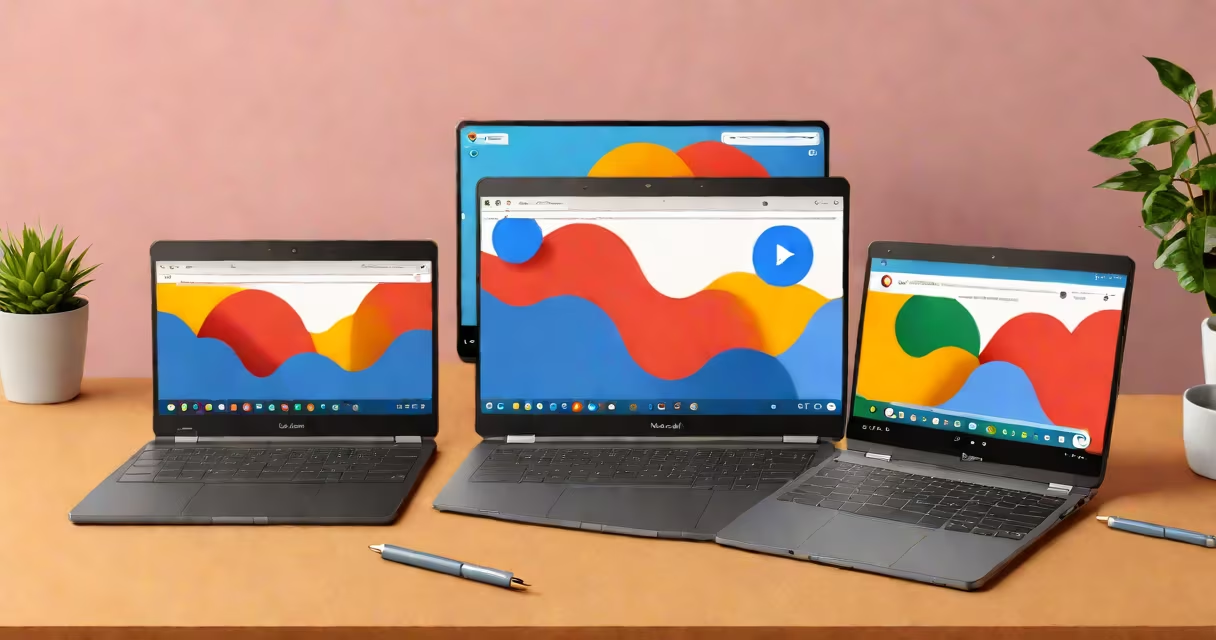
The Google Pixel Go Chromebook is a compact, affordable laptop designed to work smoothly with a Google Pixel smartphone, offering instant access to Android apps and shared features like phone notifications, calls, and messages through a single device.
It runs Chrome OS, the operating system used on most Chromebooks, but includes hardware and software optimizations tailored for Pixel phones. This integration enables features such as Instant Tethering, where the Chromebook automatically connects to the phone's mobile data when Wi-Fi is unavailable, and Phone Hub, which displays incoming calls and texts directly on the Chromebook screen.
Unlike standard Chromebooks, the Pixel Go model supports a limited set of Android applications via the Google Play Store. These apps appear in a dedicated tab within the Chrome OS interface, allowing users to run lightweight apps like messaging, photo editing, and basic productivity tools without switching devices. The device ships with 64GB of storage and 4GB of RAM, sufficient for web browsing, document editing, and light multitasking.
How It Works
When paired with a Pixel phone, the Pixel Go Chromebook uses Bluetooth and Wi-Fi to establish a secure connection. Once connected, the phone acts as a peripheral for the laptop, enabling cross-device functionality. For example, when a call comes in on the Pixel phone, the Chromebook displays a notification and allows the user to answer directly from the laptop's keyboard.
Users can also send and receive SMS messages from the Chromebook using the Messages app. Photos taken on the phone appear in the Files app on the Chromebook, and the device can mirror the phone's screen during presentations or troubleshooting sessions. These features rely on Google's built-in sync infrastructure, which automatically handles authentication and data flow between devices.
A key technical detail often missed: the Pixel Go Chromebook does not support full Android app emulation. It only runs apps that are specifically optimized for Chrome OS, meaning not all Android apps will function. For example, video editing apps like CapCut or games requiring high GPU power may fail to launch or crash unexpectedly.
What It's Made Of and Its Main Types
The Pixel Go Chromebook uses a MediaTek Kompanio 1300 processor, a low-power chip designed for budget-friendly devices. It lacks a discrete graphics card, relying entirely on integrated graphics. This limits performance for tasks like video rendering or gaming but ensures long battery life-up to 10 hours under typical usage.
Storage options are fixed at 64GB eMMC flash memory. There is no microSD slot or external drive support. Users must manage files through Google Drive or local storage. The device includes a 1080p webcam, stereo speakers, and a 12.4-inch display with a resolution of 1920×1080. The keyboard is compact, with a shallow key travel, making it suitable for short typing sessions but less ideal for extended writing.
| Feature | Pixel Go Chromebook | Standard Chromebook (e.g., Acer Spin 5) |
|---|---|---|
| Processor | MediaTek Kompanio 1300 | Intel Core i3 or AMD Ryzen 3 |
| RAM | 4GB | 8GB+ |
| Storage | 64GB eMMC | 128GB SSD or higher |
| Android App Support | Yes (limited) | No (unless unlocked) |
| Phone Integration | Native (Phone Hub, Instant Tethering) | Manual setup required |
There are no official variants of the Pixel Go Chromebook beyond the base model. Google discontinued the Pixel Slate line in 2022, leaving the Pixel Go as the only officially branded Chromebook with deep Pixel phone integration. Third-party models like the Samsung Galaxy Book Flex or Lenovo IdeaPad Duet offer similar features but lack native support for Pixel-specific workflows.
Where and Why It's Used
The Google Pixel Go Chromebook is primarily used by students, remote workers, and travelers who want a lightweight device that integrates tightly with their Pixel phone. It serves as a secondary device for quick tasks-checking emails, taking notes, or accessing documents-without needing a full-sized laptop.
For example, a university student using a Pixel 6 Pro can pair the Pixel Go Chromebook during lectures. They can take handwritten notes using the stylus (sold separately), access course materials via Google Drive, and reply to messages from professors-all without pulling out their phone. When Wi-Fi is unavailable, the Chromebook automatically switches to the phone's mobile data, ensuring uninterrupted access.
One non-obvious feature: the Pixel Go Chromebook supports automatic login via facial recognition when paired with a Pixel phone. This works through Google's Secure Enclave, which stores biometric data locally on the phone. The Chromebook never accesses raw face data-it only receives a cryptographic token confirming identity. This reduces the risk of unauthorized access compared to password-based logins.
Common Confusions and Corrections
Many assume the Google Pixel Go Chromebook can run all Android apps. This is incorrect. Only apps that meet specific compatibility criteria-such as those built with the Android Runtime for Chrome OS (ARC++)-will install and run properly. Apps requiring root access, hardware sensors, or high-end graphics drivers typically fail to load.
Another misconception is that the Pixel Go Chromebook functions as a standalone phone. It cannot make calls or send texts independently. It relies entirely on the paired Pixel phone for cellular connectivity. Without the phone nearby, the device loses most of its core functionality.
Conclusion
The Google Pixel Go Chromebook is a specialized device designed for users invested in the Google system. It excels at bridging the gap between smartphone and laptop workflows, especially when paired with a Pixel phone. While it lacks the power of high-end laptops, its affordability, portability, and tight integration make it ideal for light productivity tasks. Understanding its limitations-especially around Android app support and hardware specs-is essential before purchase.