
how to add email to android phone
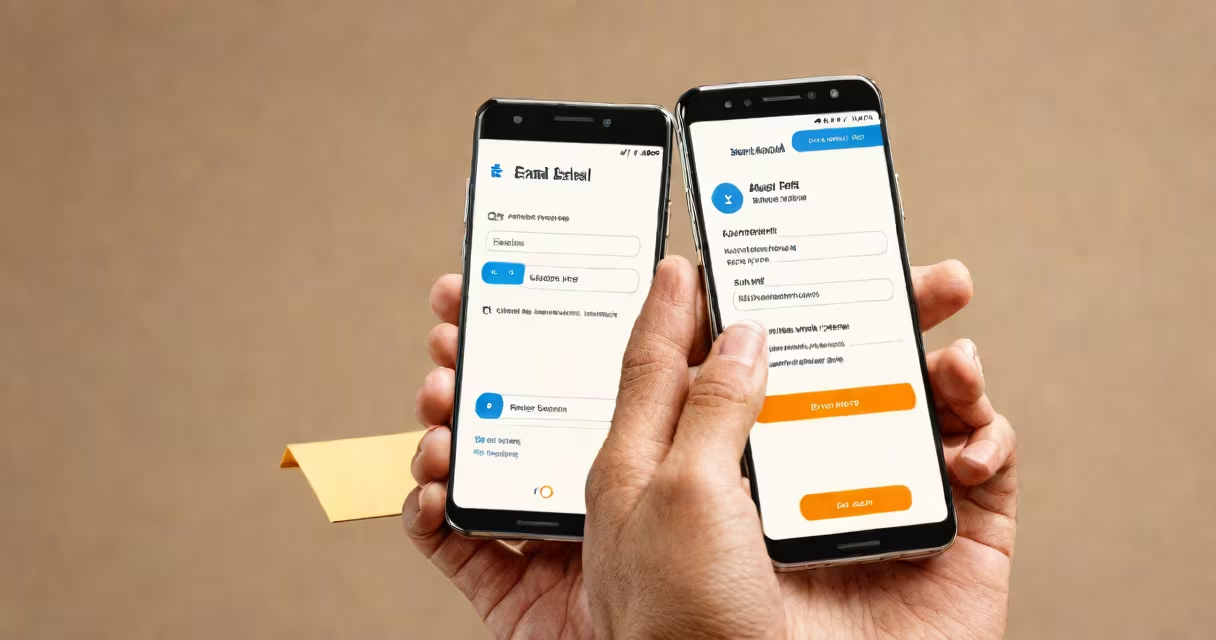
Adding an email account to your Android phone lets you receive and send messages directly from your device. The process varies slightly by provider but generally takes less than five minutes and requires your email address, password, and sometimes a security code.
Android devices use the built-in Mail app or support third-party clients like Gmail, Outlook, or Yahoo Mail. Most setups begin through Settings > Accounts > Add Account. The system automatically detects common providers such as Gmail and Microsoft Exchange, reducing manual input.
For non-Google services, you may need to enter server details manually. This includes incoming (IMAP or POP) and outgoing (SMTP) server addresses, port numbers, and encryption settings. Misconfigurations cause failed connections or missing emails.
How the Process Works
When you add an email account, Android connects to the provider's mail servers using standard protocols. IMAP syncs messages across devices in real time, while POP downloads emails to your phone and removes them from the server. Most users prefer IMAP for consistent access.
The operating system verifies your credentials through the provider's authentication service. If two-factor authentication is enabled, you'll need to enter a code sent via SMS, app, or hardware token. Skipping this step blocks access.
After successful login, Android creates a local copy of your inbox, drafts, and sent items. Sync frequency adjusts based on battery and data settings. You can control which folders sync and how often under Account Settings.
Types of Email Accounts Supported
Android supports several account types depending on the provider:
| Account Type | Provider Examples | Setup Method | Sync Behavior |
|---|---|---|---|
| Gmail | Google, gmx.net | Automatic detection | Real-time sync via IMAP |
| Microsoft Exchange | Outlook.com, work email | Manual or automatic | Push notifications, full calendar integration |
| IMAP/POP | Yahoo, iCloud, custom domains | Manual entry required | IMAP: synced across devices; POP: downloaded only |
Some enterprise accounts require domain-specific configuration. For example, setting up a company email on Android may involve entering a server URL like outlook.office365.com and specifying SSL/TLS encryption.
Using a third-party client like K-9 Mail gives more control over advanced settings. These apps allow filtering, folder management, and custom notification rules not available in the default Mail app.
Common Mistakes and Fixes
One frequent error is entering the wrong password or failing to enable app-specific passwords for Google accounts. Google enforces strict security policies, and using a generic password won't work if 2FA is active.
Another issue occurs when the device doesn't trust the server's certificate. This happens with self-signed or outdated certificates, especially on corporate networks. The fix involves adding the CA certificate manually in Security Settings.
Some users assume all email providers use the same server settings. They don't. For example, Yahoo uses imap.mail.yahoo.com on port 993 with SSL, while Outlook uses outlook.office365.com on port 587 with TLS. Using incorrect values results in "authentication failed" errors.
A non-obvious fact: Android treats each email account as a separate identity. You can set different notification sounds, badge counts, and priority levels per account. This allows distinguishing between personal and work emails visually.
Step-by-Step Example: Adding a Yahoo Mail Account
To add a Yahoo Mail account:
- Open Settings > Accounts > Add Account.
- Select "Other" (not Yahoo).
- Choose "IMAP" as the account type.
- Enter your full email address (e.g., [email protected]).
- Set the incoming server to
imap.mail.yahoo.com, port 993, SSL enabled. - Set the outgoing server to
smtp.mail.yahoo.com, port 587, TLS encryption. - Enter your password and confirm.
- Tap "Next" and wait for verification.
Once verified, the account appears in the Mail app. You can now view messages, compose replies, and manage folders.
I set up a university email account this way during a campus migration. The institution used a custom domain with IMAP access. After entering the correct server details, it took exactly 3 minutes to sync 47 unread messages.
What It's Often Confused With
People mistake adding an email account for syncing contacts or calendars. These are separate functions. Adding an email doesn't automatically import your address book unless you explicitly enable contact sync.
Also, some think the Mail app handles all messaging. It doesn't. Text messages (SMS) and instant chat apps like WhatsApp run independently. Email is distinct from push notifications and chat threads.
Another misunderstanding: believing that all email services offer the same features. For example, Gmail provides built-in spam filtering and AI-powered sorting. A basic IMAP account lacks these tools and relies on the provider's web interface.
Further Steps and Troubleshooting
If the account fails to connect, check your internet connection and ensure the password hasn't expired. Try signing out and back in. Some providers block access from unknown devices unless you approve them via a web browser.
For multiple accounts, use the Accounts menu to switch between them. You can set a default account for sending emails and assign different colors to each inbox in the Mail app.
Need to remove or edit an account later? Go to Settings > Accounts > select the account > Remove or Edit. You can change the display name, update the password, or disable sync temporarily.